
2 Reflx Paddles
Keep your thumbs on the sticks while accessing your rear controls.
Your PS5 feel. Your PC performance.
PC only. Wired only. TMR joysticks.
Equipped with TMR thumbsticks. The PS5-style shape does not mean the controller is compatible with consoles. No Bluetooth. USB cable included.
Two Reflx paddles. Mechanical triggers. Control at your fingertips.

Keep your thumbs on the sticks while accessing your rear controls.
A familiar feel. PC only, via wired USB connection.
Short actuation and a crisp click for your in-game actions.
Performance, explained simply
The polling rate indicates how often the controller sends inputs to your PC. At 8,000 Hz, the theoretical interval between two reports is 0.125 ms. This is not a measurement of total in-game latency.
TMR thumbsticks use magnetic position sensing. Calibrate them and adjust the available settings using the Marius tool to find the feel that suits you.
The usable polling rate and performance also depend on the firmware, USB port, PC and game. A lower polling rate may be preferable depending on your setup.
Two videos by Riskin to guide you through the process: first the firmware update, then calibration and settings. Watch the video corresponding to your step, then open the official tool on your PC.
Riskin shows you how to use the official update tool. If you have already customized your settings, back them up before starting an update.
Open the update toolFollow the second video to understand calibration and the options available in the Marius tool. When you finish, save your configuration to the controller.
Open the configuration toolKeep the controller connected via USB and follow the instructions in the official tool. Interfaces and settings may change with firmware versions. Need help? The Burn team can help.
Customer reviews of the brand
Selection of 5-star reviews published on Trustpilot. Read all reviews to discover the full range of customer experiences.
Anthony Chadelat
Value for money
“Excellent value for money, nothing to complain about. Very professional.”
September 12, 2026
Alois Leblond
Delivery
"Fast and simple delivery"
Spetmeber 17, 2026
K Lbt
Delivery times
“👍🏻 Delivered ahead of the estimated date, great controller.”
September 10, 2026
Reviews of the brand and its configurations. Available options may vary depending on the product range.
The customization, feel, mechanical triggers, and paddles are all very comfortable and easy to get used to!
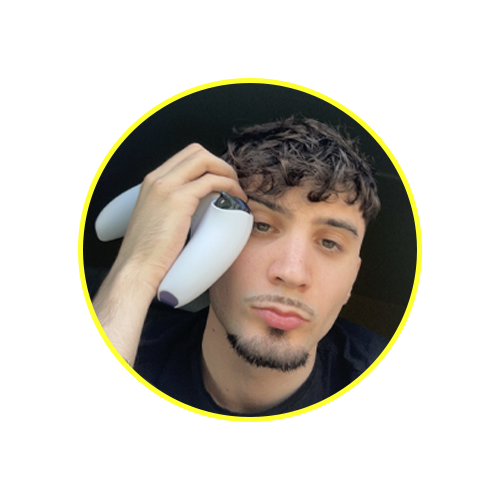
Every click is crisp, every press is instant. With Burn triggers, I don’t just play anymore — I react before everyone else, with no vibration for an ultra-light feel and paddles perfectly suited to the way I hold my controller.

Got a question? We have the answer.
No: PC only. “PS5-style” refers to the shape and layout of the controller. The Marius board does not support gaming on PS5, Xbox, or Switch.
No, the connection is wired only. Use the included USB cable and connect the controller directly to your PC. Bluetooth is not available.
This version features TMR joysticks, two Reflx paddles, and mechanical triggers. The USB cable is included to connect the controller to your PC.
8K refers to a polling rate of up to 8,000 Hz, meaning up to 8,000 transmissions per second. The theoretical interval is 0.125 ms; this does not represent the total latency between your input and its display on screen.
Follow Riskin’s first video, then open the official update tool. Save your settings before updating and follow the instructions displayed by the tool.
The second video by Riskin covers calibration and settings. Open the official configuration tool, follow the steps, then save the settings to the controller.
The Marius board natively supports a high polling rate. You do not need to use overclocking software to achieve 8K. Use the settings provided by the Marius tool; if your PC or game is unstable, a lower polling rate may be preferable.
Rewatch the video corresponding to the step you’re on, check your USB connection and follow the instructions provided by the official tool. If the issue persists, contact the Burn team and specify the step you’re stuck on and your PC configuration.
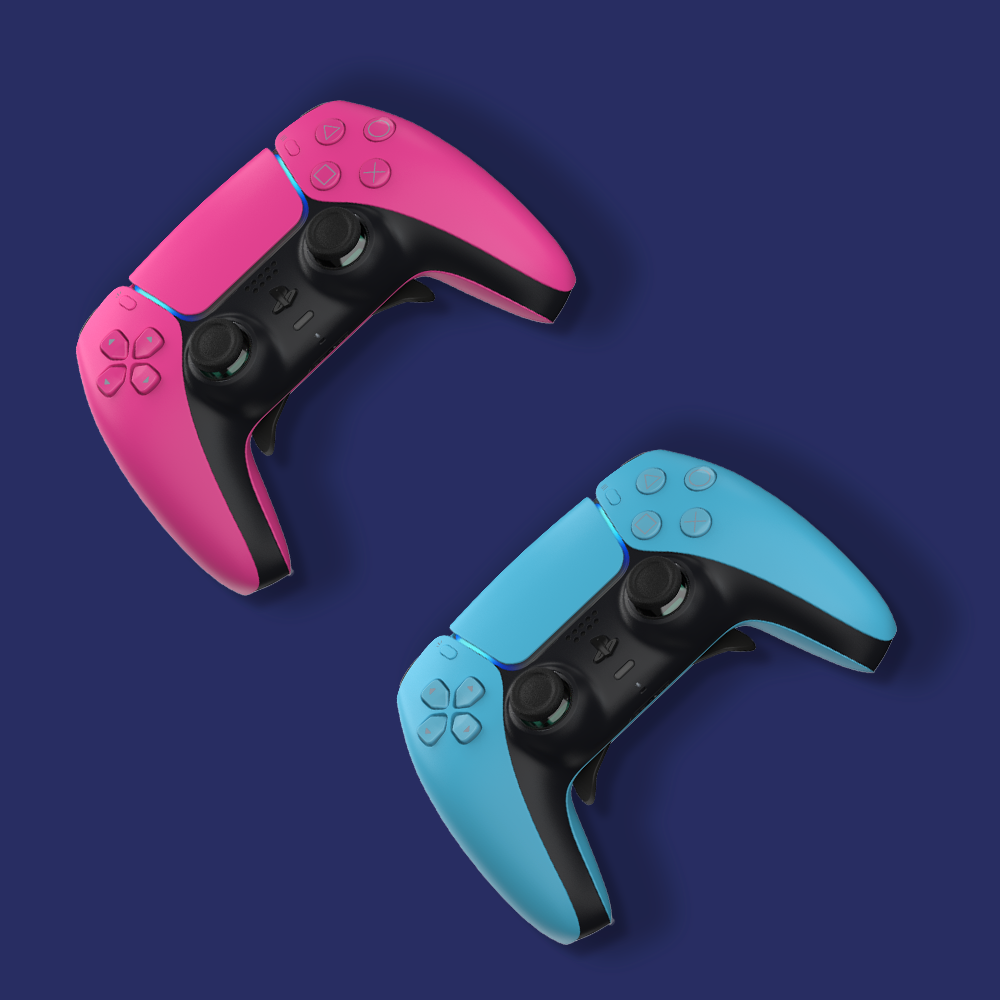

European pionier in customizable controllers.
Wether you're looking for performance or a unique style, Burn Controllers allows you to limitlessly customize your controller.
Feel like buying a customized PS5 controller to play like a professional ? Burn Controllers is the specialist in competitives customizable controllers.
Looking for an affordable PS4 controlle Burn Controllers has the solution: get the best upgrades at the best price.